


When I decided to enter the ~bookstagram~ world, I quickly made a NetGalley account to get ARCs (Advanced Reader Copies) from publishers. NetGalley gives publishers and indie authors the opportunity to give electronic or audio copies of their works to readers prior to the publish date for reviews and feedbacks. This may be accompanied by a “book tour” or a “blog blitz,” but sometimes they just want an honest review! If you’re looking to get started as an ARC reader, here’s a how-to guide.
Full disclosure, I am not an expert and still regularly get declined for ARCs haha! But I’ve gotten to read so many amazing books ahead of time and develop relationships with publishers by doing so.
As always, thank you so much to the publishers who send me eARCs in exchange for my honest reviews. I’ve included screenshots below of my personal account, so please know I am so grateful for every ARC I have received!
First step is to go to www.netgalley.com and click “Become a Member”
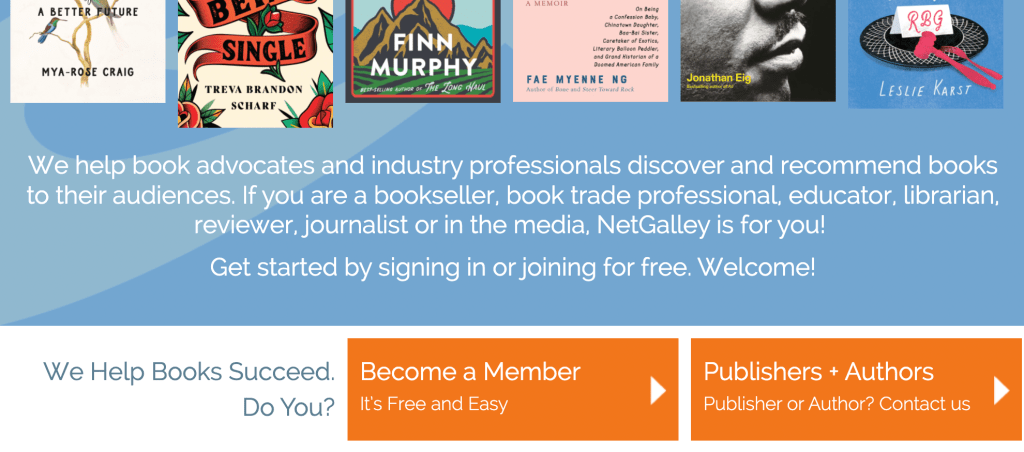
You’ll want to fill out all of your information and mark your member type as “Reviewer.” Once your account is made, you should personalize your profile! I recommend adding a picture, your interests, topics and categories that you post about, and add a biography to tell publishers about yourself. Different publishers have different approval requirements – but that’s intermediate level, so we’ll get into that in a bit.
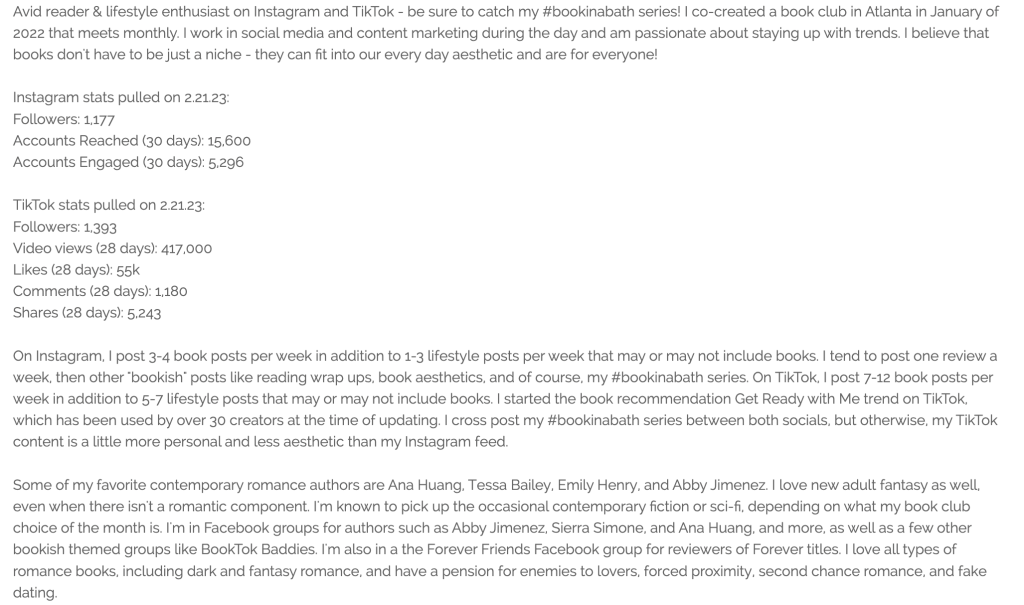
For your biography, you want to be as detailed as possible. I update mine every 2 to 3 weeks, but here’s a screenshot of it from back in Feburary of 2023.
Once you have your account set up, you can start requesting books! There are a few different ways to find books that you may want.
The way I use most frequently is to start by clicking “Find Titles” along the menu bar,
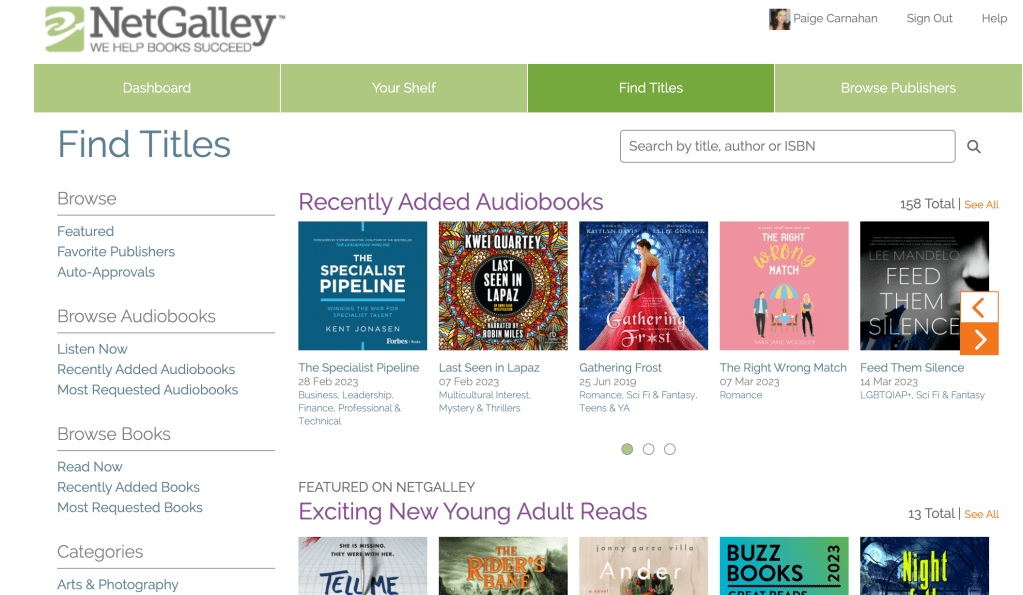
You can look via genre and category, or you can scroll through their curated lists.
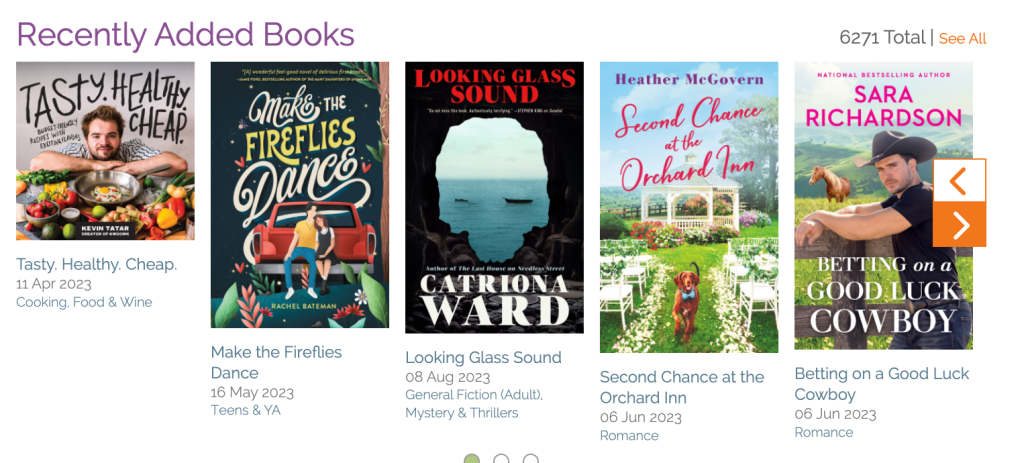
I like looking at recently added and clicking “see all” but it’s fun to just play around here. There are also titles that are available as “read now” – these are automatic approvals (you don’t have to request) so if you click “read now” along the lefthand side and see a book you like, you can automatically add it to your library!
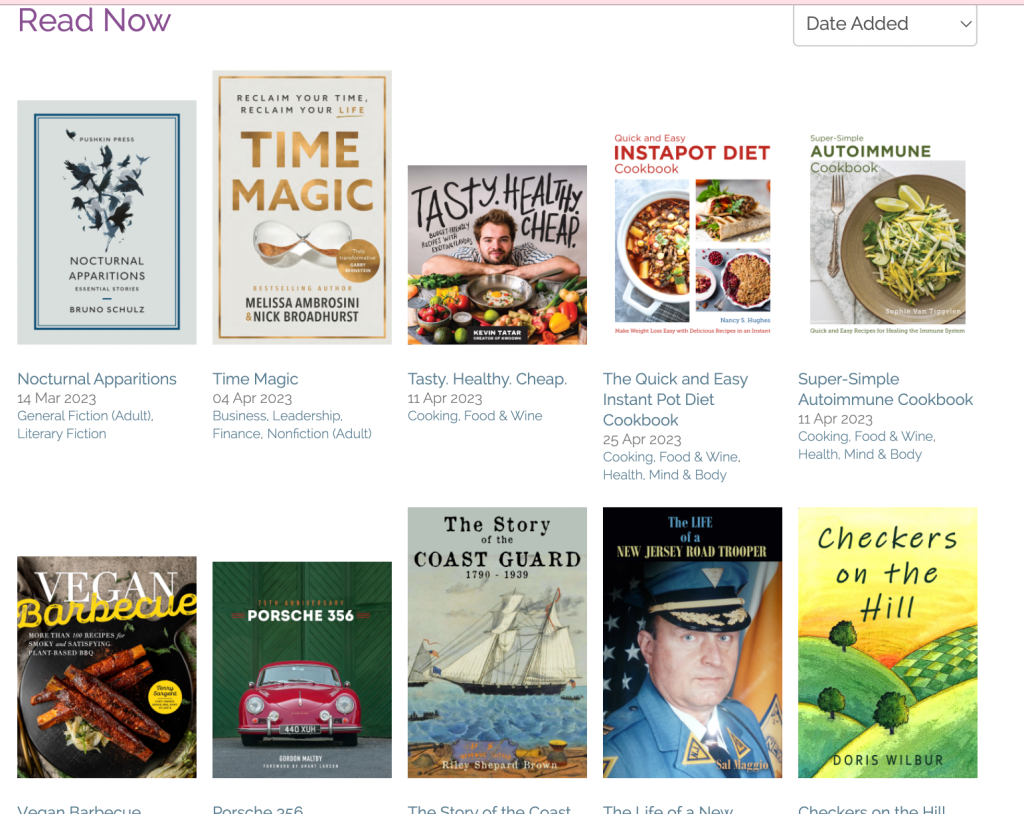
To request or add a book to your library, you click on the title and this screen pops up:

hit request and then the page will look like this:
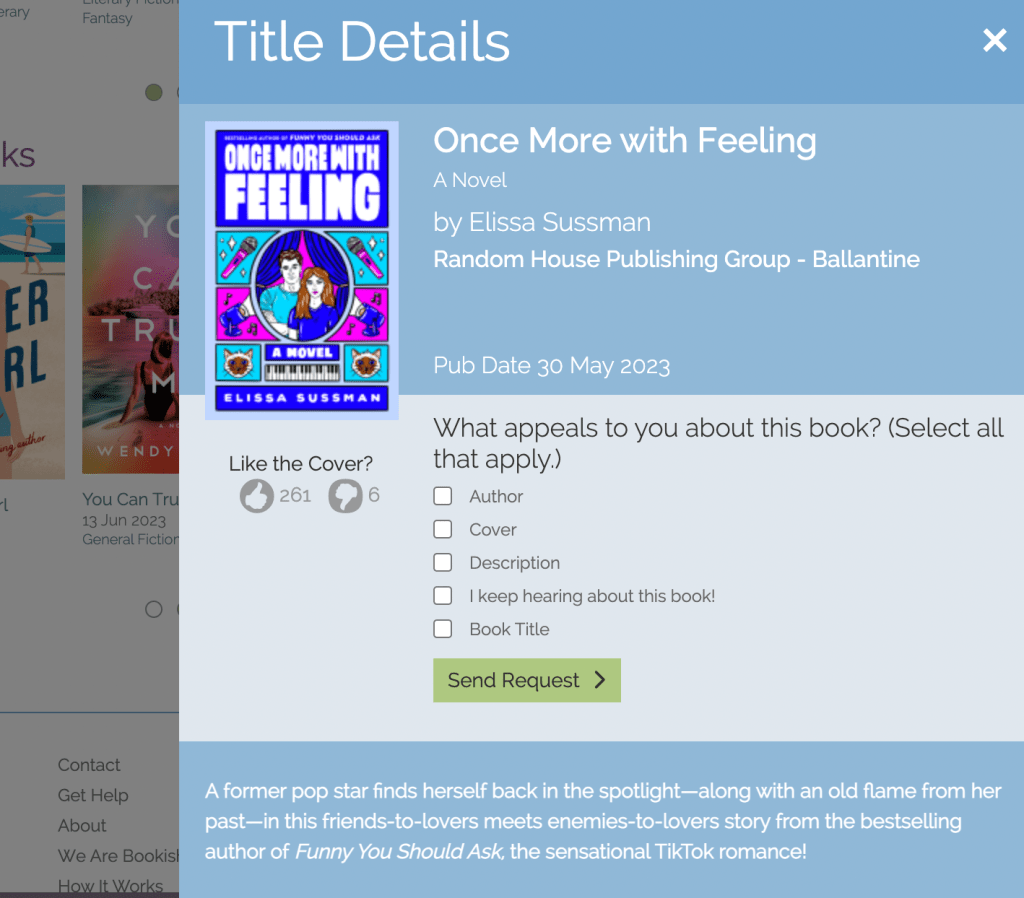
Select whatever interests you and hit “send request.”
Once you get approved for a book, you’ll get an email which is great. Some publishers send emails for declinations but not all of them. You can see books that you have and ones that you’re waiting for under “Your Shelf.”
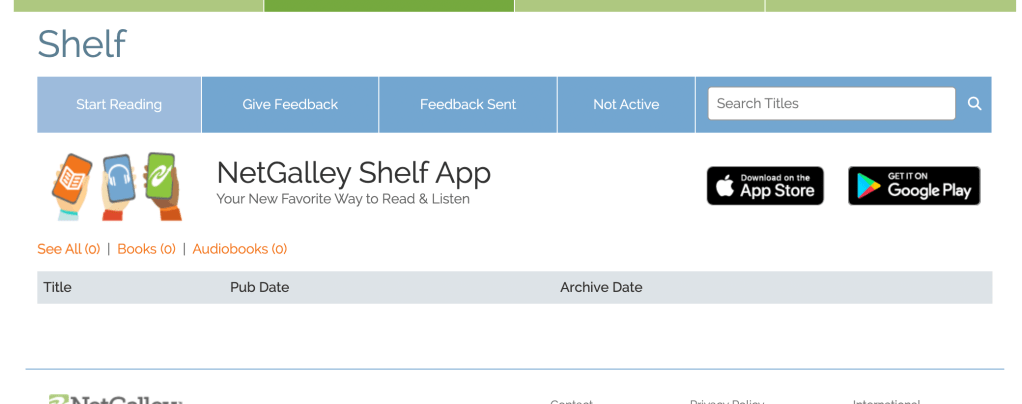
Under “start reading” you’ll find titles that have not yet been sent to your kindle – I recommend sending to your kindle right away so that you don’t lose the book after the archive date
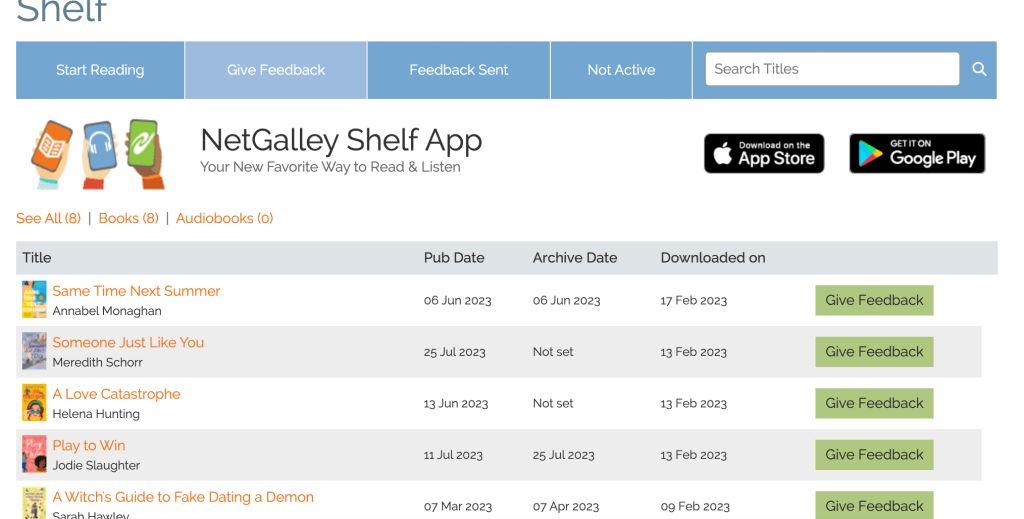
Under “give feedback” you’ll find titles that have been sent to your kindle – I recommend reading ones with the closest publishing date first.
Under “feedback sent” you’ll see all of the titles that you’ve reviewed. You can also easily view and edit your feedback here. For instance, if I write my review right away but haven’t posted on social yet, I’ll go back in and link to my social or blog posts once they’re live.
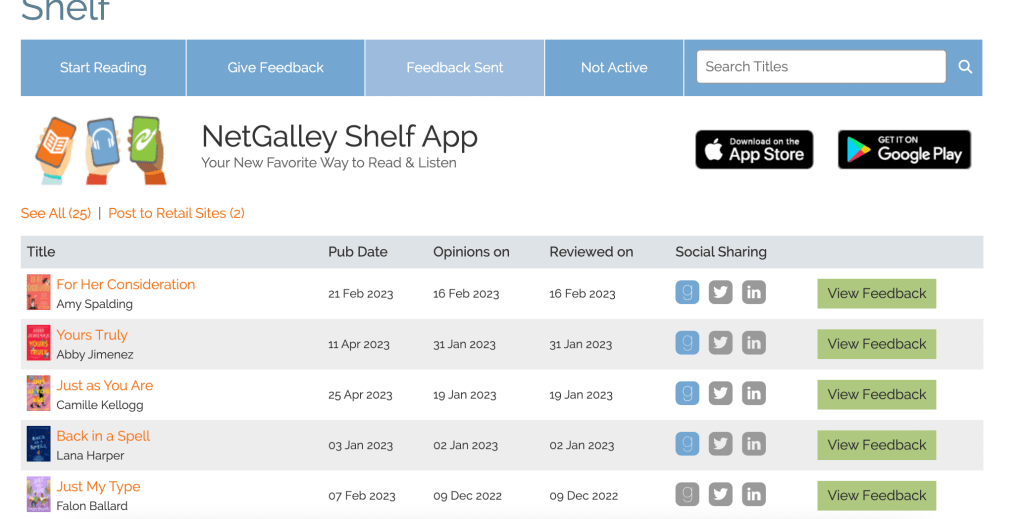
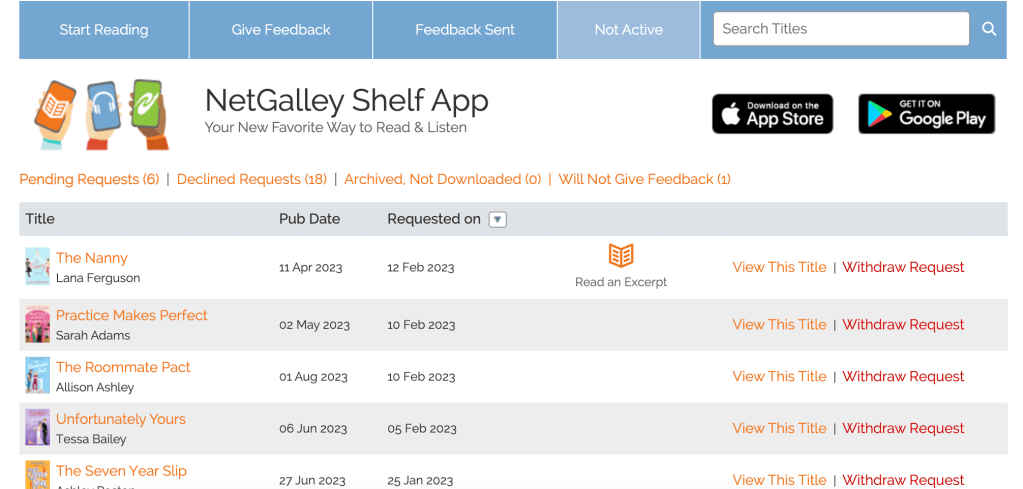
Under “not active” you can see the books that you’ve requested and haven’t heard back from, have been denied, or books that you got approved for and you won’t review. Books that you won’t review count against your reading percentage, so I recommend keeping that as low as possible. There’s no deadline on the reviews as long as you’ve downloaded the book before the archive date!
Next post, I’ll go into more details about tailoring your bio for publishers and any other questions you may have!
What do you want to know about NetGalley? How can I help? Drop a comment below to let me know!
 A Better Paige
Leave a comment